How to Apply Color to Old Photos with AI Without Ruining the Details
You can ask ChatGPT to colorize a black-and-white or sepia photo, but the result may change more than the color. Small facial features can shift, making someone look like a different person.
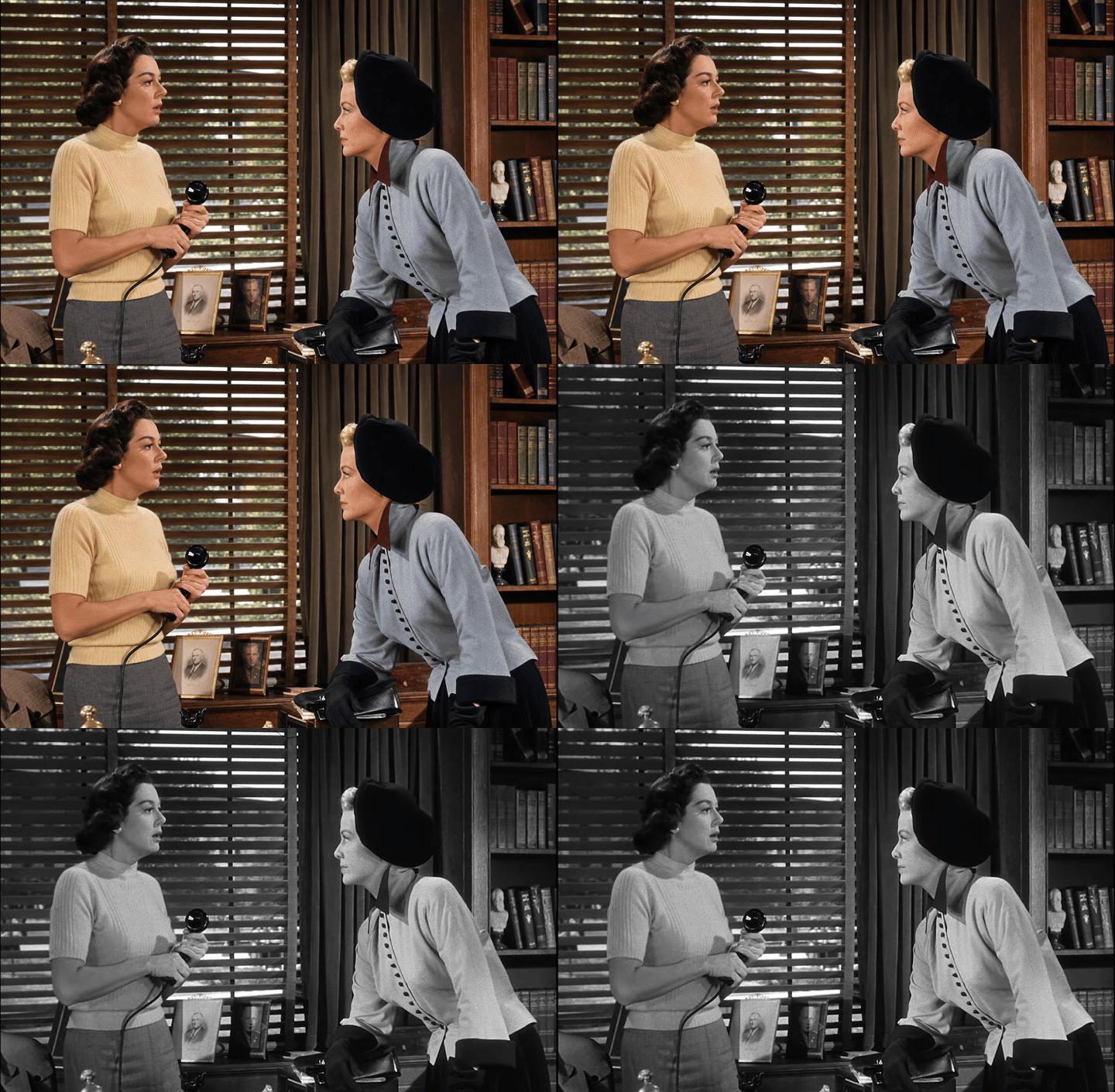
That may be fine for an ad or a social media post. With a family photo, you may want to keep the original face. A graphics editor with layers and a Color blend mode can help.
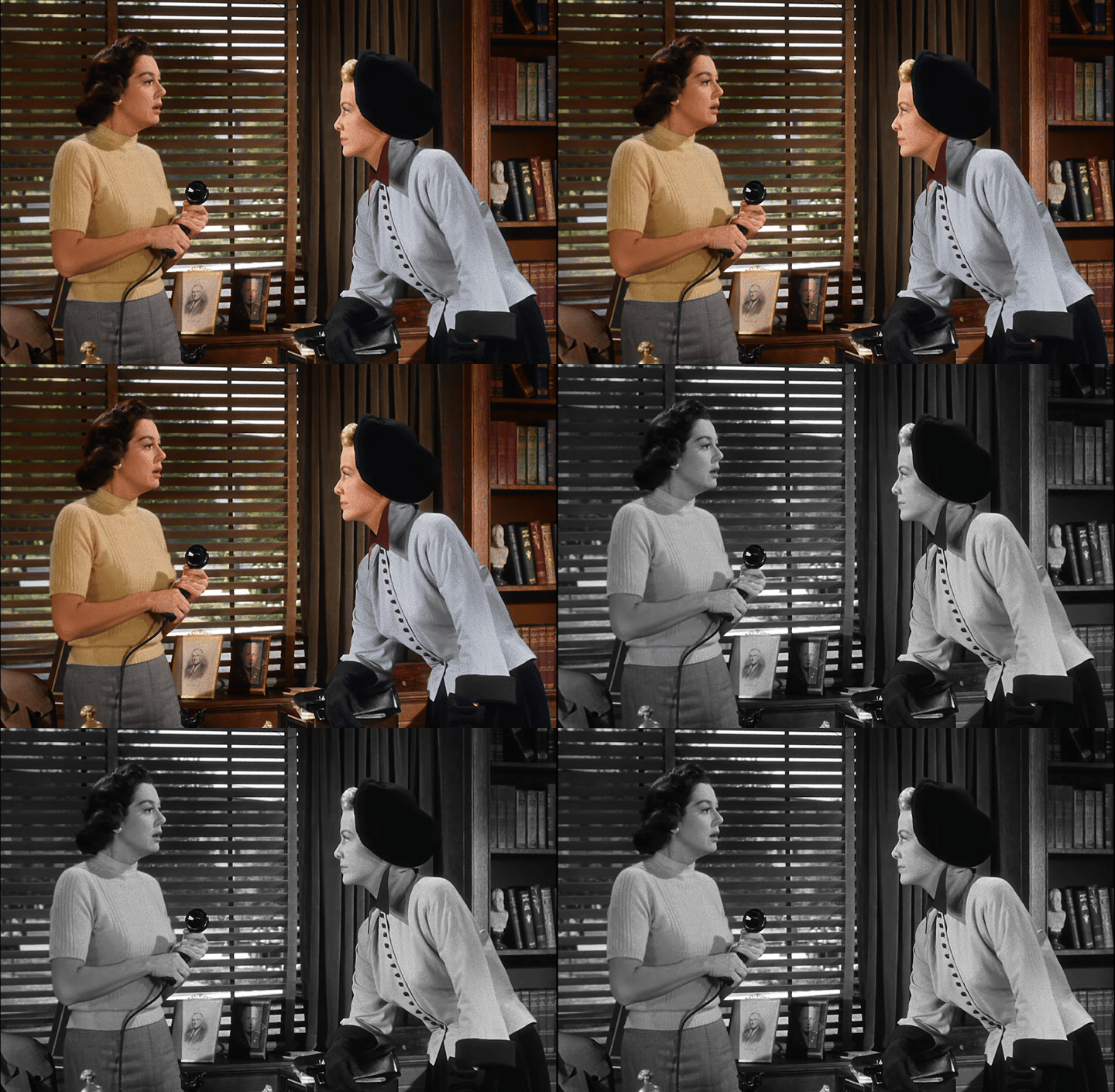
First, ask ChatGPT to colorize the photo. Then open both the original and the colorized version in your editor. Place the colorized image on a layer above the original, align the two images, and set the top layer’s blend mode to Color.
The top layer supplies the color while the original photo supplies the underlying light and dark detail. This keeps the original facial features while applying the generated colors. Check the result for colors that spill across edges, especially if the generated image doesn’t line up exactly with the original.
What’s your take? I’d love to hear it.